
Browser image suite
Make every image work harder.
Edit, enhance, clean up and transform your images with a collection of creative tools in one intuitive workspace — no installs, no subscriptions, no credit purchases.
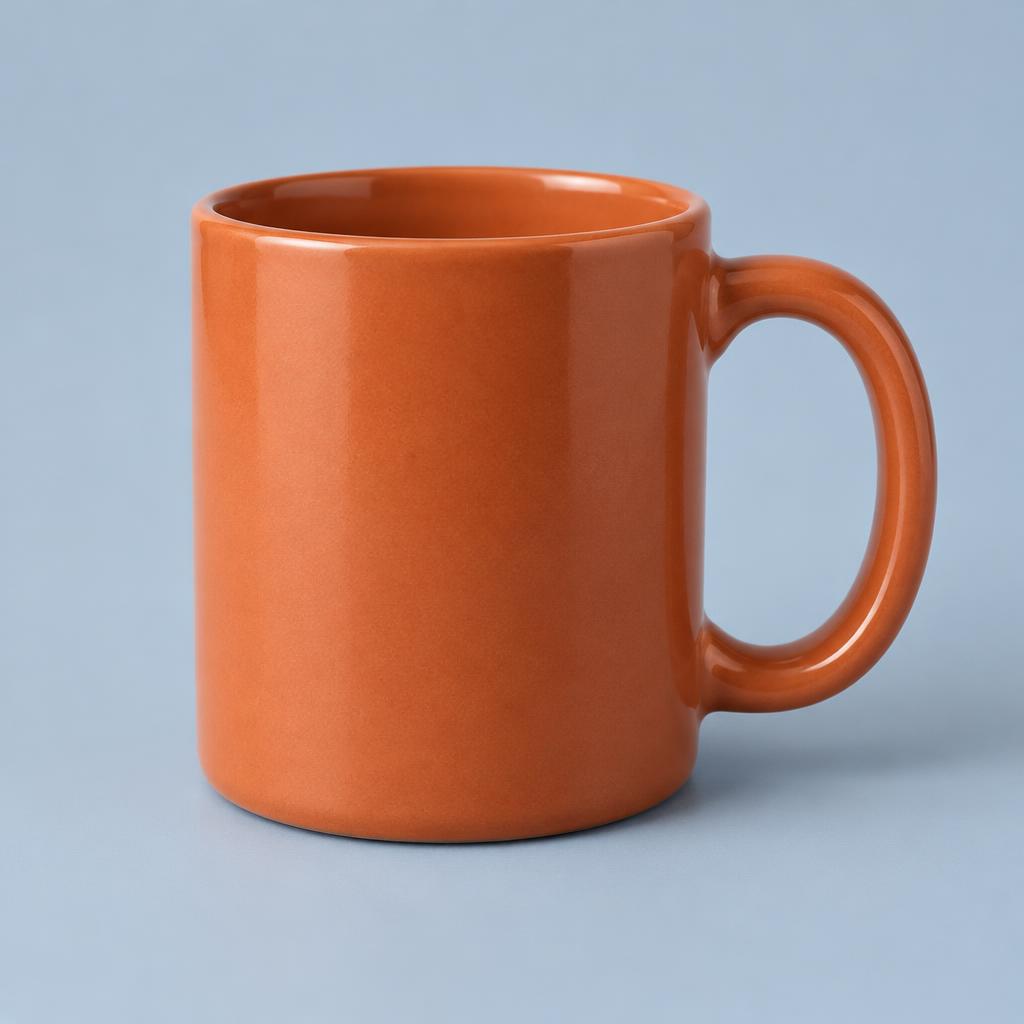

Real result, produced by the DesignFixer Background Remover — drag the handle to compare.
Seventeen tools, one workspace
Every card below is a working tool you can open right now. Browser tools run locally; AI features send images to our provider and require sign-in. All tools are free.
Crop & Resize
Precise crops, rotation and exact image dimensions with local PNG, JPEG and WebP export.
Free — runs in your browser
Image Compressor
Compare actual encoded file sizes and reduce JPEG or WebP size with adjustable quality.
Free — runs in your browser
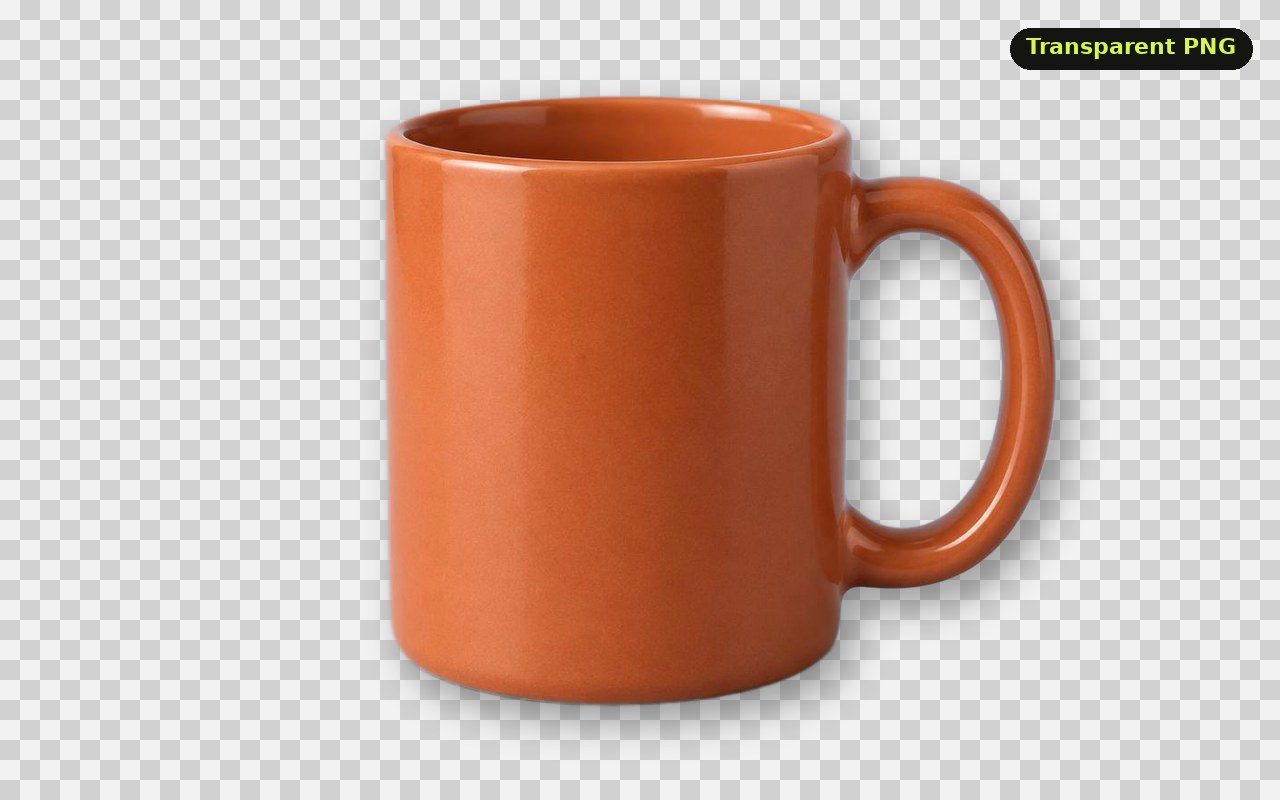
Format Converter
Convert browser images to PNG, JPEG or WebP with verified formats and transparency controls.
Free — runs in your browser
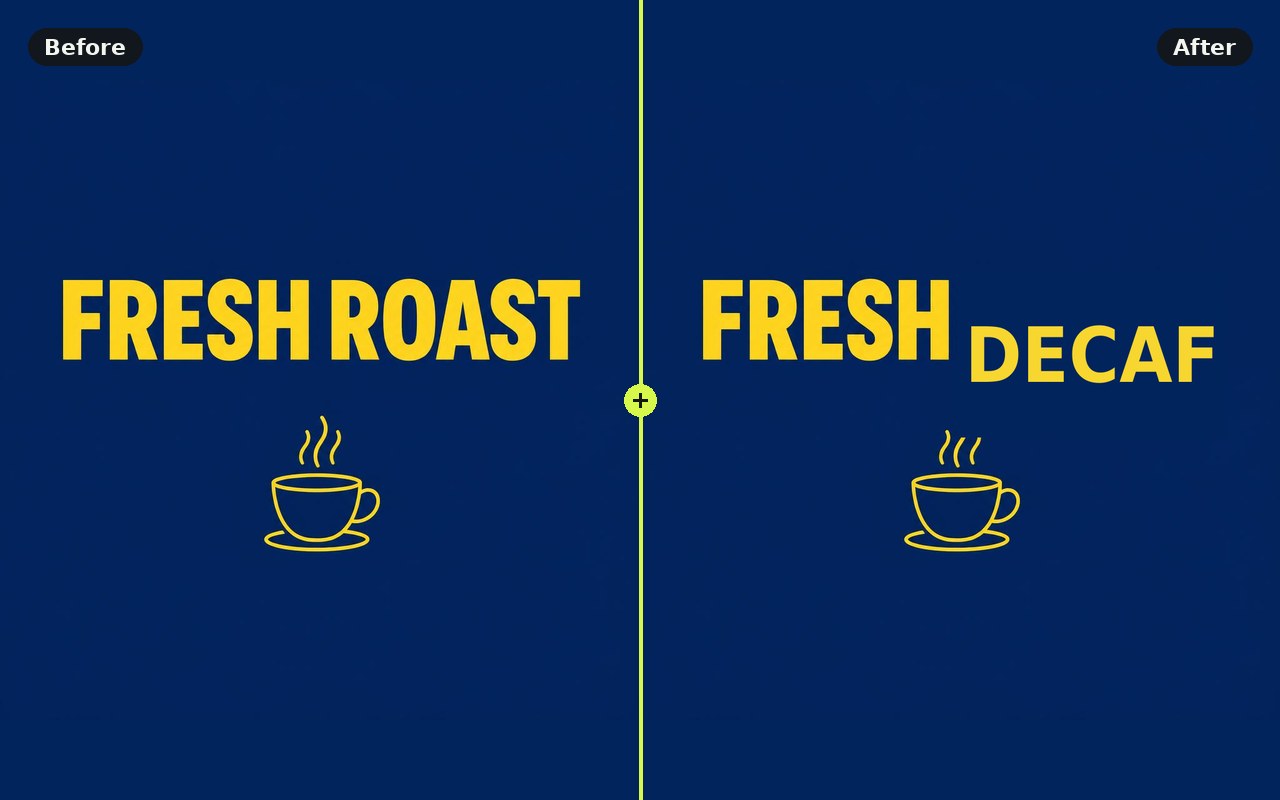
Watermark Tool
Add text or transparent logo watermarks, with placement, opacity, rotation and tiled patterns.
Free — runs in your browser
Batch Processing
Resize, convert, compress and watermark multiple images locally, with individual and ZIP downloads.
Free — runs in your browser
Photo Studio
Full browser photo workspace: crop, resize, rotate, brush, eraser, text layers, color adjustments and compression.
Free — runs in your browser
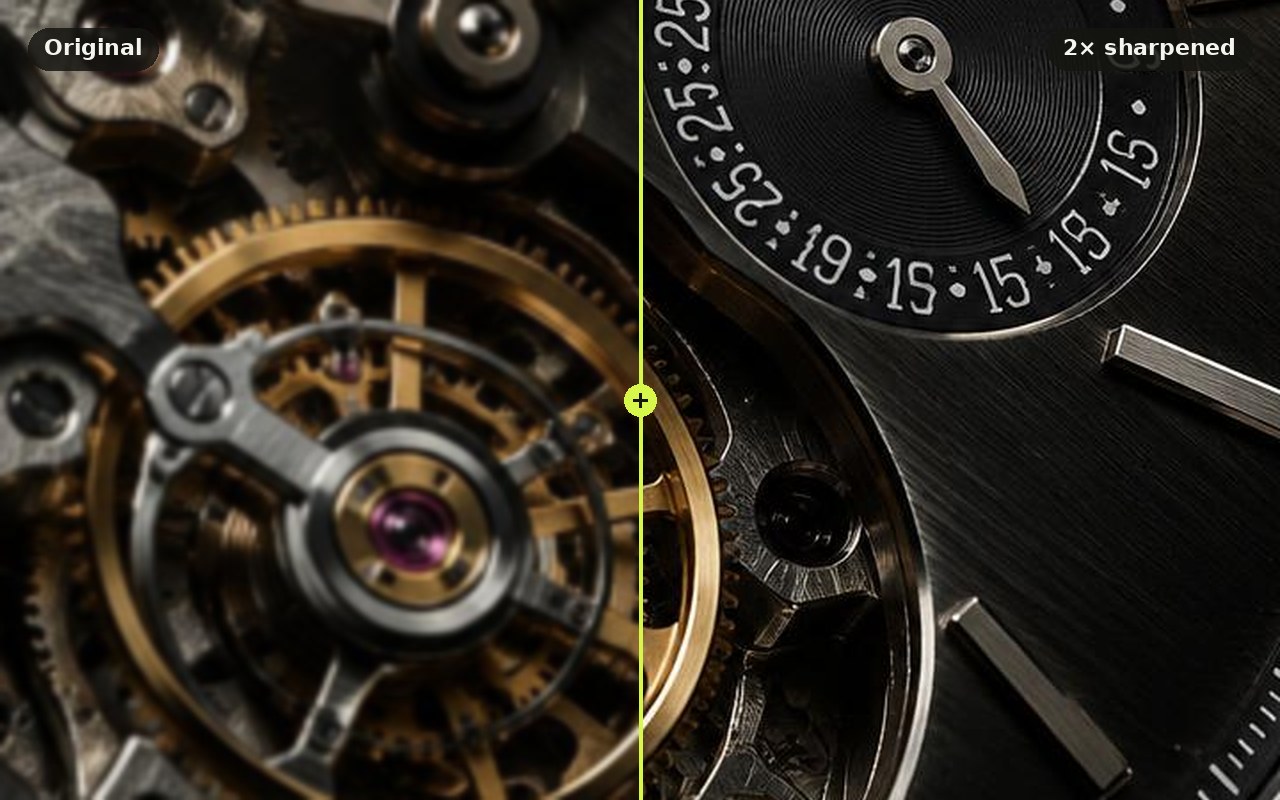
Upscaler
Enlarge images 2×–10× directly in your browser with high-quality resampling and sharpening.
Free — runs in your browser
Background Remover
Automatic AI cutout in your browser, with erase/restore brush control and custom backgrounds.
Free — runs in your browser
Text Editor
Replace words baked into an image with AI that matches the surrounding lettering style, color and texture.
Free · AI processing
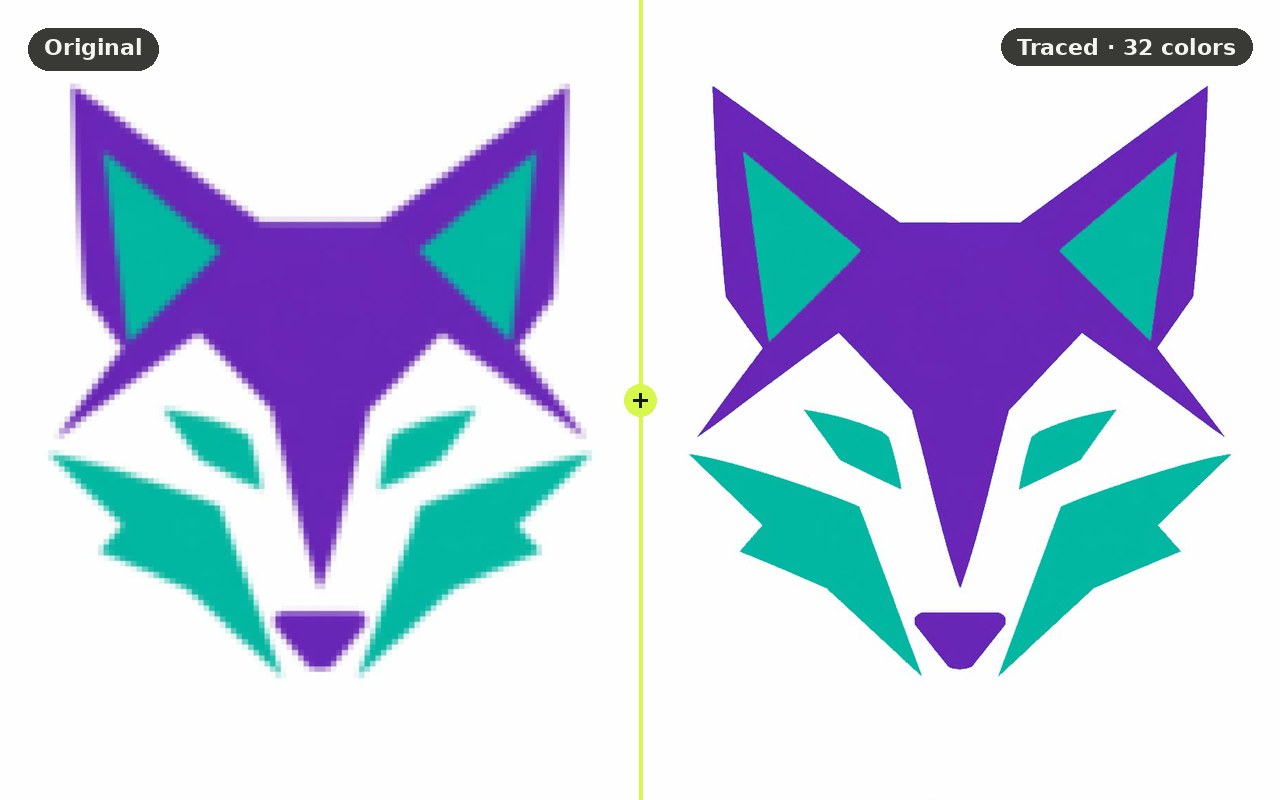
Design Regenerator
Turn a photo of a design into a clean high-resolution asset with a transparent background. Free tracing and enlargement included.
Free · AI processing
AI Background Replacement
Swap a photo's background for a new AI-generated scene while keeping the subject intact.
Free · AI processing
Artistic Effects
Repaint a photo as watercolor, oil painting, pencil sketch or pop art while keeping the subject intact.
Free · AI processing
Object Removal
Remove unwanted objects and rebuild the area behind them with AI.
Free · AI processing
AI Image Upscaling
AI super-resolution with detail reconstruction for images up to 1024 px — sharper edges and recovered texture at a higher resolution.
Free · AI processing
Image Expansion
Extend an image beyond its borders with AI outpainting while the original pixels stay protected.
Free · AI processing
Advanced Restoration
Restore old, faded or damaged photos: reduce scratches and discoloration, improve contrast and recover detail.
Free · AI processing
Advanced Design Regeneration
Instruction-driven improvements to an existing design’s composition, palette and style; distinct from extraction and tracing.
Free · AI processing
+0 more coming soon
See the full roadmap in the tools directory
From photo to asset in seconds
This pair is a genuine before-and-after: the cutout on the right was produced by the DesignFixer Background Remover running entirely in the browser. Drag the handle — with a mouse, your finger, or the arrow keys — to compare.
Try it with your imageHow it works
- 1
Choose a tool
Pick the job — edit, upscale, remove a background, replace text or regenerate a design.
- 2
Edit or transform
Browser tools process locally. AI tools send your image for processing after you choose to generate.
- 3
Export the result
Download the finished image to your device, with a transparent background where the tool supports it.
All tools, completely free
Every DesignFixer tool is free, including AI editing. No purchases, subscriptions or positive credit balance are needed. Display advertising is our planned funding model; ads are not activated yet.
Free where it counts
Photo Studio, the Upscaler and the Background Remover cost nothing and need no account.
Free AI, no card
Sign in to use AI editing. Your historical balance does not affect access.
No purchases or subscriptions
All active tools remain available for free. Infrastructure safeguards protect against abuse.
Frequently asked questions
Is DesignFixer free?
Every tool is free, including AI editing. Browser tools need no account; AI tools require sign-in.
Do I need an account?
Browser tools need no account. AI tools require sign-in, but no credit balance or purchase.
Are my images uploaded to your servers?
Browser tools process image pixels locally. AI features send your image and instructions through our servers to Lovable AI. See the Privacy Policy for storage, external resources and unverified provider retention.
What happens if an AI operation fails?
Successful and failed new operations do not change customer credits. A timeout may mean the edit completed; do not automatically repeat the request.
Do I need to purchase anything?
No. There are no credit purchases or subscriptions. All tools are free.